Crowd Density Monitoring & Public Safety with Video AI
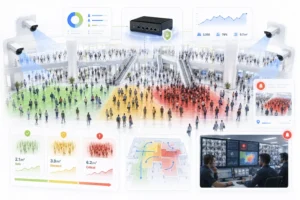
Crowd density monitoring has become one of the most important applications of AI-powered video analytics for public safety. Whether it’s a packed railway station during rush hour, a stadium before kickoff, a religious gathering, or a city festival, crowd-related incidents rarely occur without warning. In most cases, dangerous situations develop gradually as more people enter a confined space, movement slows, and pressure builds around entrances, exits, or bottlenecks.
Traditional CCTV systems capture these events, but they rely on operators continuously watching dozens or even hundreds of camera feeds. Spotting a dangerous build-up before it becomes critical is extremely difficult, especially in large public environments.
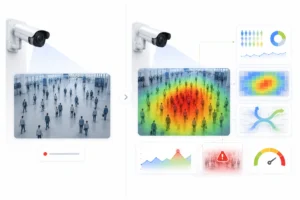
AI-powered crowd density monitoring transforms existing CCTV cameras into proactive safety systems. Instead of simply recording video, computer vision continuously measures crowd density, analyses movement patterns, detects bottlenecks, and alerts operators before conditions become dangerous. This gives security teams valuable time to redirect pedestrian flow, deploy additional staff, or temporarily restrict access to prevent overcrowding.
Unlike manual monitoring, AI works continuously, objectively, and in real time, making it one of the highest-value public safety applications of video analytics.
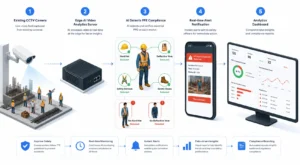
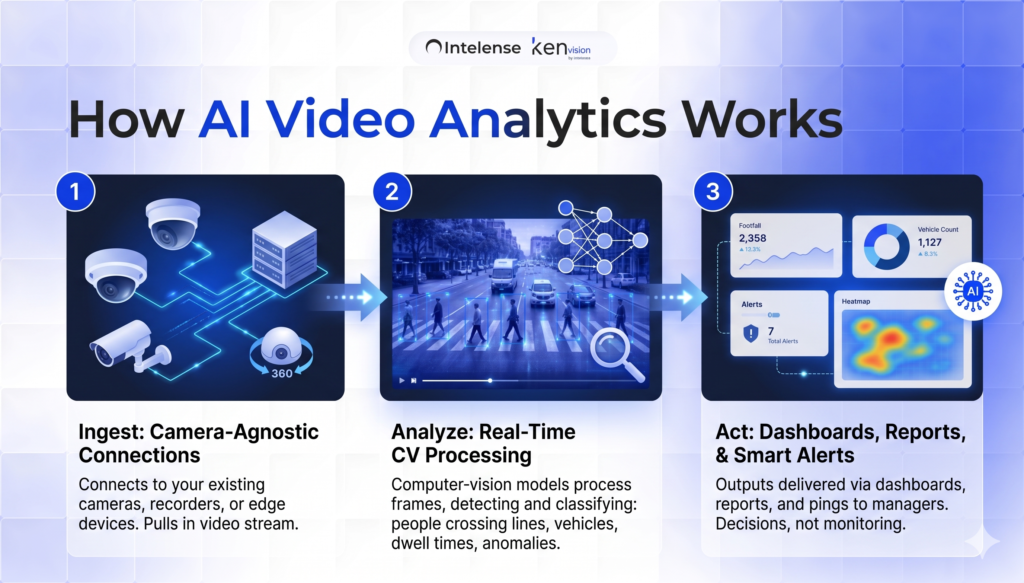
Crowd Density Monitoring Workflow
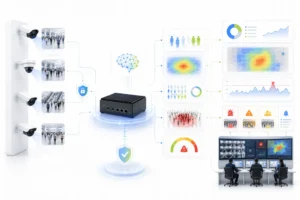
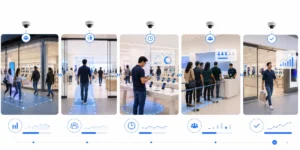
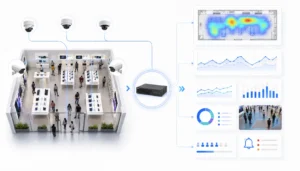
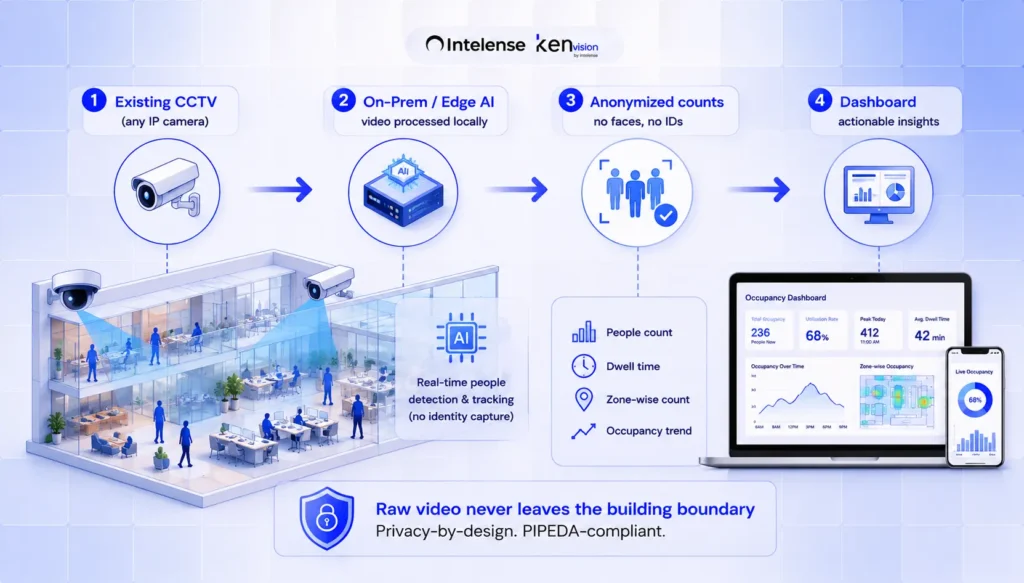
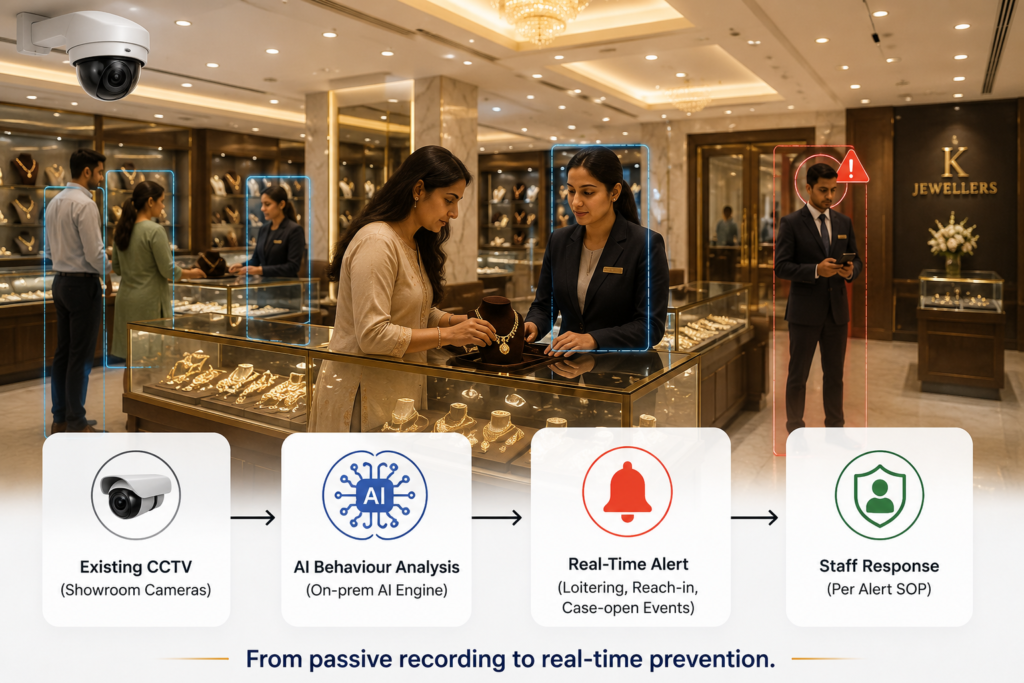
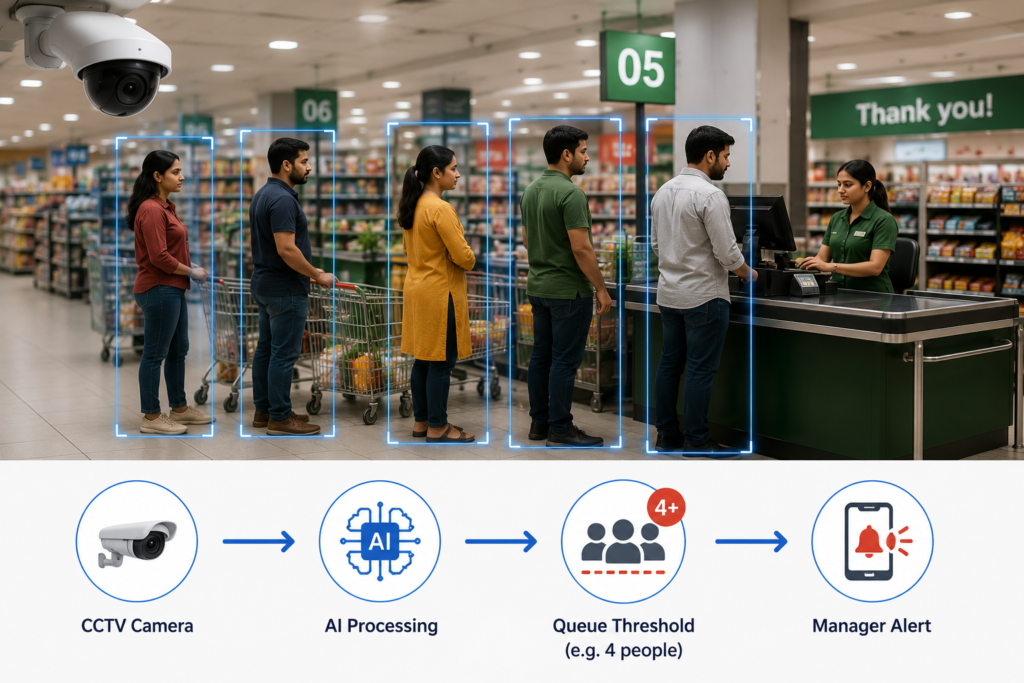
Existing CCTV Cameras → AI Video Analytics → Density Calculation → Risk Assessment → Real-Time Alerts → Dashboard
What Is Crowd Density Monitoring?
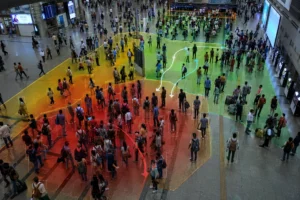
Crowd density monitoring uses AI video analytics to measure how many people occupy a defined area at any given moment. Unlike simple people counting, which records the total number of entries and exits, density monitoring evaluates the concentration of people within specific zones.
The system continuously calculates people per square metre across entrances, walkways, platforms, waiting areas, queues, concourses, and open public spaces. As density increases, predefined thresholds classify each area as normal, elevated, or critical.
This provides operators with a live understanding of crowd conditions instead of relying solely on visual observation.
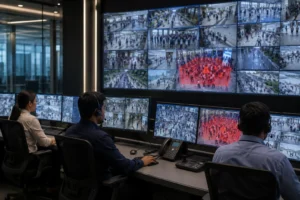
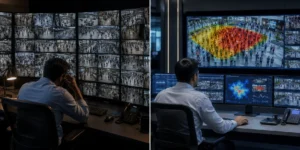
Modern AI systems can monitor dozens or hundreds of cameras simultaneously, providing a complete operational view across large facilities while reducing the workload on security personnel.
Why Density Matters More Than Crowd Size
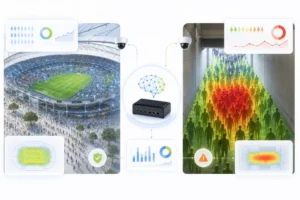
One of the biggest misconceptions in crowd safety is that the total number of people determines risk.
In reality, density is a far better indicator.
A stadium with 50,000 spectators may operate safely because visitors are evenly distributed throughout the venue. Conversely, only a few hundred people gathered within a narrow corridor or entrance can create dangerous pressure points that increase the risk of falls, crushing, or blocked evacuation routes.
As density increases:
- Individual movement becomes restricted.
- Crowd speed decreases.
- Pressure builds around bottlenecks.
- Emergency access becomes difficult.
- Evacuation routes become obstructed.
Because these conditions develop gradually, AI can detect them well before they become visible to human operators, creating an opportunity for early intervention rather than emergency response.
How AI Crowd Density Monitoring Works
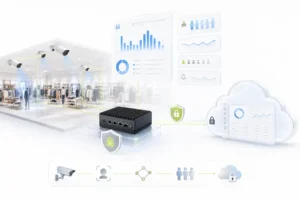
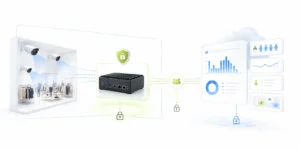
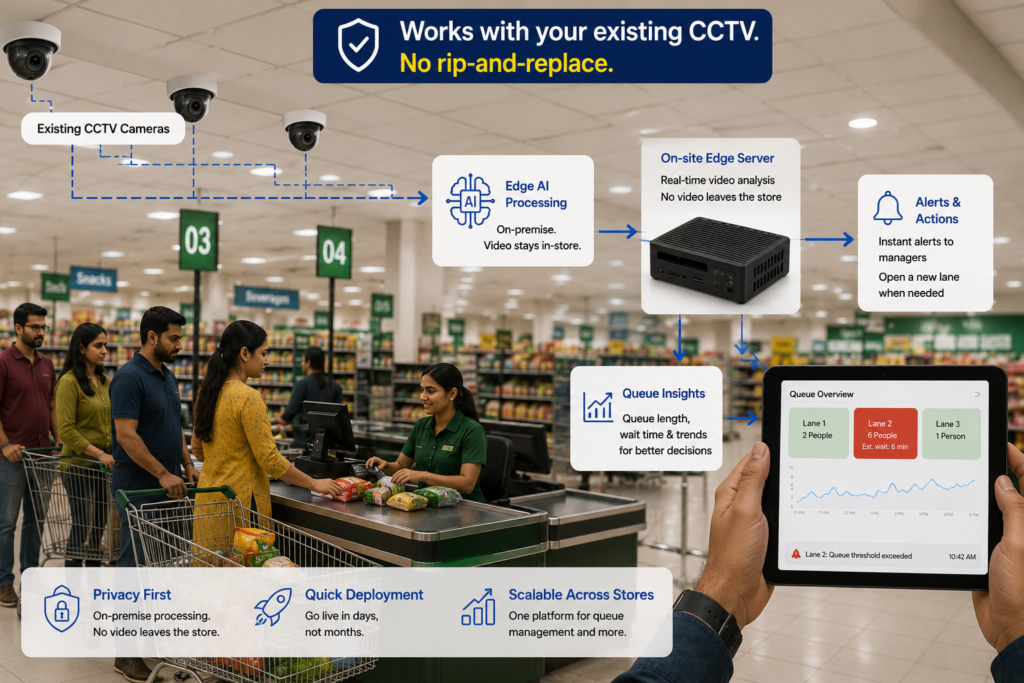
Existing CCTV cameras stream video to an on-premises or edge AI processing platform.
The AI system:
- Detects people within each camera view.
- Maps individuals into predefined monitoring zones.
- Calculates density for each zone.
- Tracks crowd movement and pedestrian flow.
- Identifies congestion and bottlenecks.
- Compares density against configurable safety thresholds.
- Sends instant alerts when conditions become unsafe.
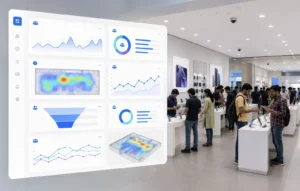
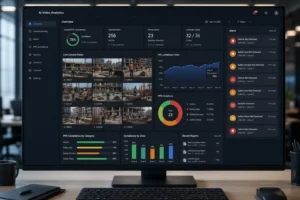
- Displays live analytics through a central dashboard.
Because processing occurs on-premises or at the edge, alerts are generated with extremely low latency while reducing unnecessary transmission of raw video.
The result is a proactive early-warning system built on your existing surveillance infrastructure.
Features of AI Crowd Density Monitoring
Real-Time Density Measurement
Continuously measures crowd density across every monitored zone, providing operators with an accurate live picture of occupancy levels.
Risk Threshold Monitoring
Automatically classifies areas as safe, elevated, or critical based on configurable density thresholds and operational policies.
Instant Alerts
Security teams receive immediate notifications whenever crowd density approaches unsafe levels, enabling faster intervention.
Crowd Flow Analysis
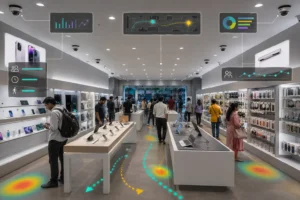
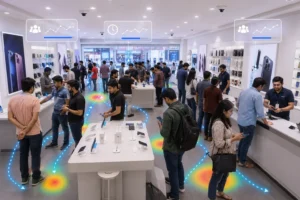
Visualises how people move through entrances, exits, corridors, concourses, and public spaces to identify congestion before it becomes a problem.
Bottleneck Detection
Automatically identifies choke points where pedestrian movement slows or stops, allowing operators to redirect visitors or open additional access routes.
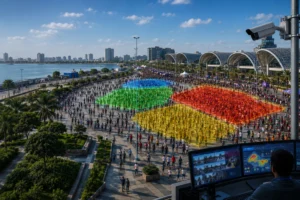
Heat Maps
Historical heat maps reveal which areas experience the highest concentration of visitors throughout the day, helping organisations optimise layouts and staffing.
Centralised Dashboards
Monitor multiple locations from a single interface with live density metrics, alerts, camera feeds, and historical reporting.
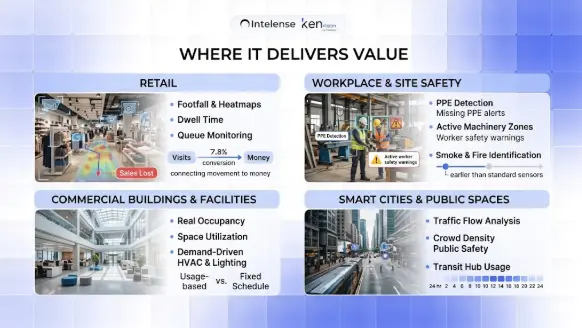
Where Crowd Density Monitoring Is Used
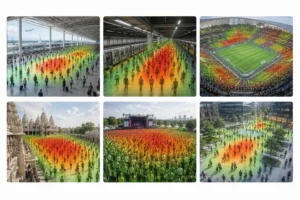
Transit Hubs
Railway stations, metro systems, airports, and bus terminals experience rapid fluctuations in passenger volume. AI continuously monitors platforms, ticketing areas, escalators, and waiting zones to improve passenger safety.
Stadiums and Sports Venues
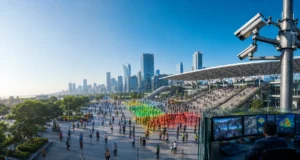
Monitor seating sections, entrances, exits, concession areas, and evacuation routes to prevent overcrowding before and during major events.
Religious Places
Temples, mosques, churches, and pilgrimage sites often experience seasonal surges in visitor numbers. Real-time density monitoring helps organisers maintain safe movement throughout the venue.
Festivals and Public Events
Concerts, cultural festivals, exhibitions, and public celebrations benefit from live crowd monitoring that supports faster operational decisions.
Smart Cities
Municipal authorities use AI video analytics to understand pedestrian movement, monitor busy intersections, improve urban planning, and enhance public safety.
Shopping Centres
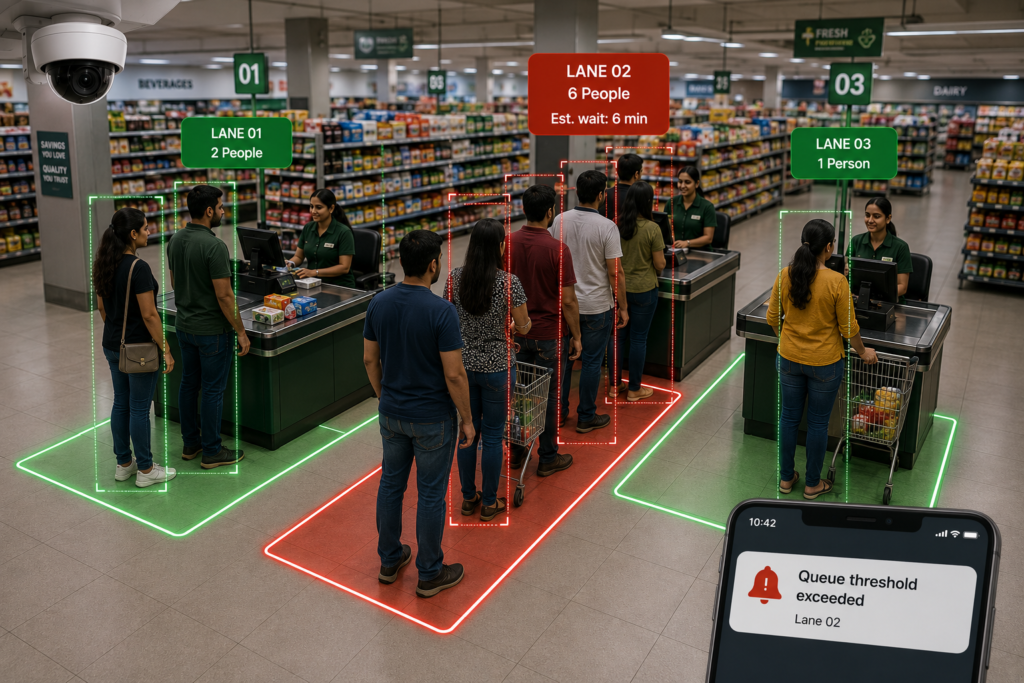
Large retail destinations monitor visitor density, queue formation, food courts, and common areas to improve both safety and customer experience.
Privacy-First Crowd Monitoring
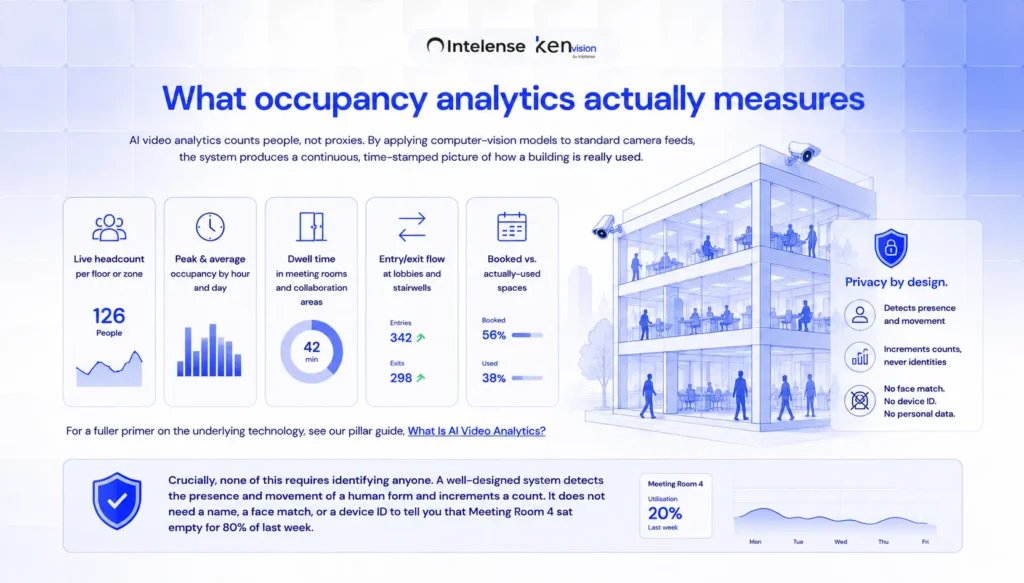
One of the key advantages of AI crowd density monitoring is that safety does not require personal identification.
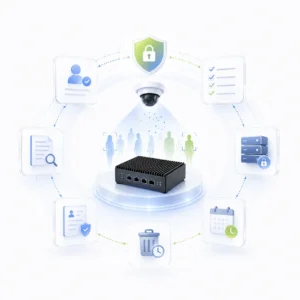
KenVision measures anonymous crowd behaviour rather than individual identities. The platform focuses on counts, occupancy, movement, and density instead of facial recognition or biometric identification.
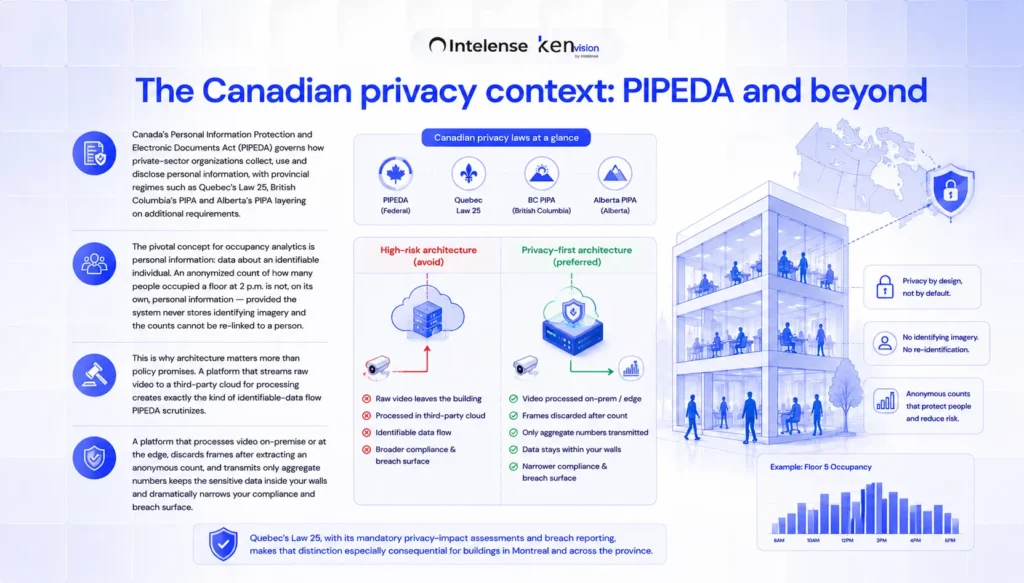
Processing occurs on-premises or at the edge, allowing video to remain within the organisation’s infrastructure while only anonymised analytics, alerts, and operational insights are generated.
This privacy-first architecture supports data minimisation, reduces compliance risk, and aligns with modern privacy expectations across both public and private sectors.
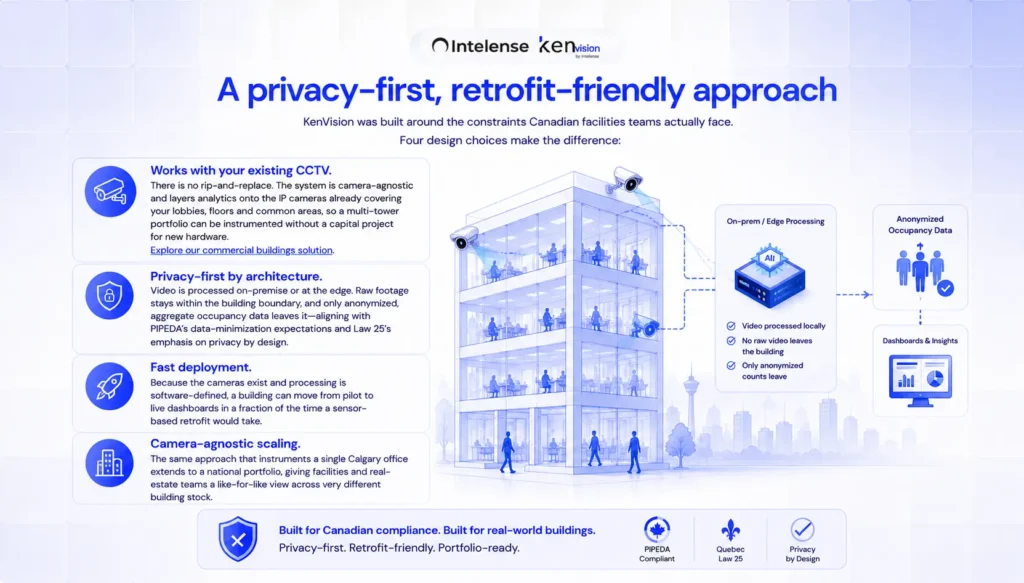
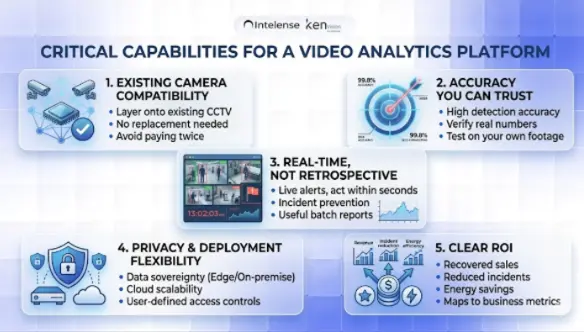
Why Existing CCTV Cameras Are Enough
Organisations often assume that implementing AI requires replacing their surveillance infrastructure.
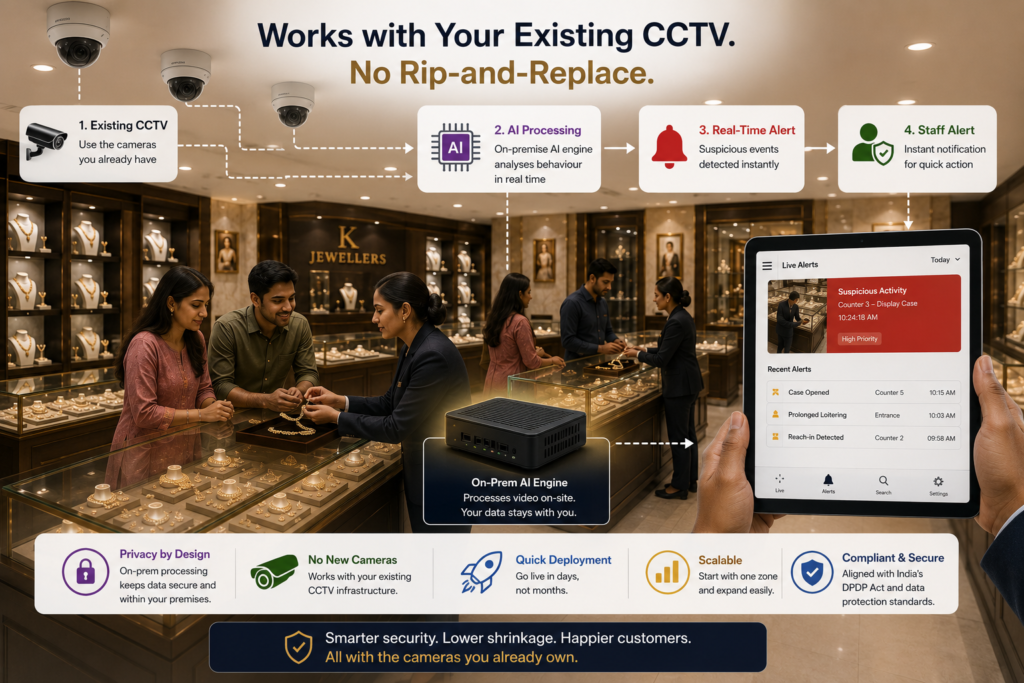
In reality, KenVision is camera-agnostic and integrates with most existing CCTV systems.
This allows organisations to:
- Avoid expensive camera replacement.
- Deploy AI significantly faster.
- Reduce implementation costs.
- Preserve existing security investments.
- Scale analytics across multiple sites.
- Modernise surveillance without operational disruption.
Instead of installing new hardware across an entire facility, existing cameras become intelligent sensors capable of delivering valuable operational insights.
Benefits of AI Crowd Density Monitoring
Deploying AI crowd monitoring provides benefits that extend far beyond emergency response.
Improved Public Safety
Early detection allows operators to intervene before dangerous crowd conditions develop.
Faster Incident Response
Real-time alerts enable security personnel to respond within seconds rather than relying on manual observation.
Better Resource Allocation
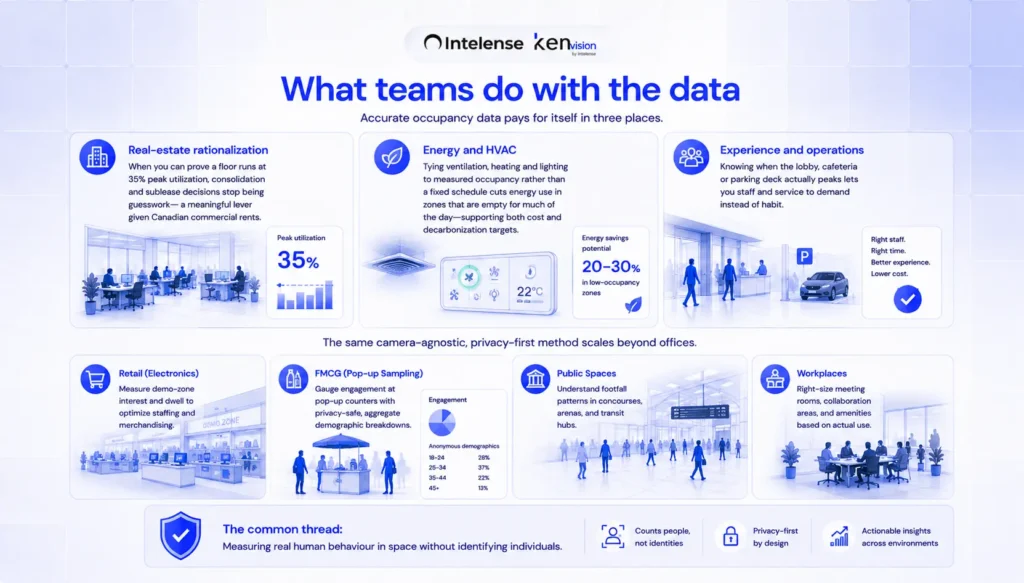
Historical analytics help organisations schedule staff, security personnel, and emergency responders more effectively.
Improved Visitor Experience
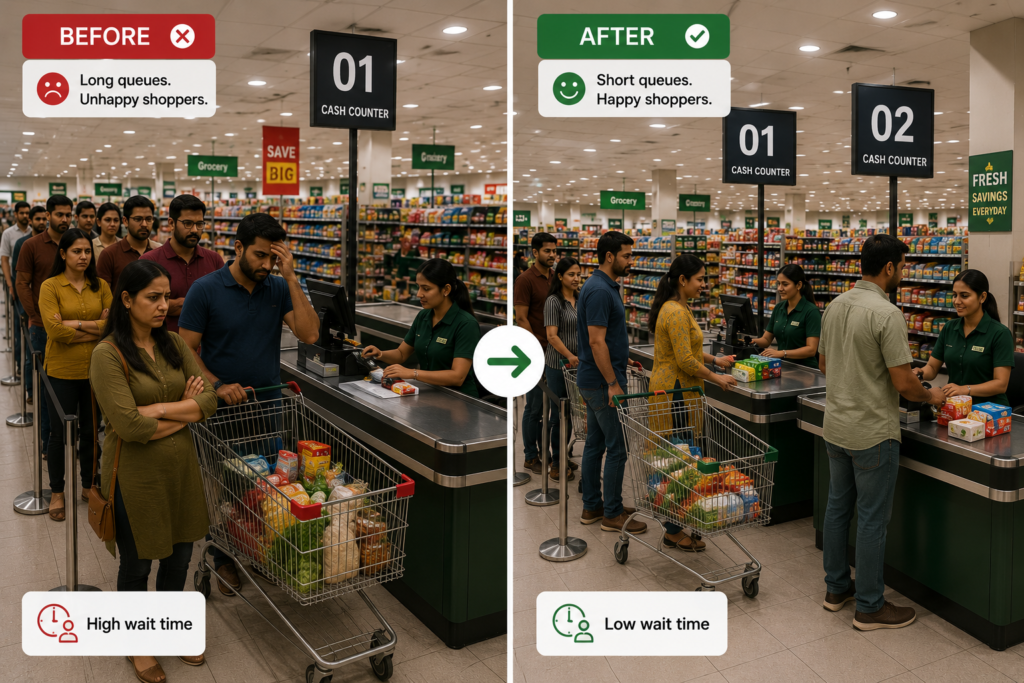
Reducing congestion creates smoother pedestrian movement and shorter waiting times.
Operational Insights
Long-term density trends help improve venue layouts, event planning, and infrastructure investments.
Lower Costs
Using existing CCTV infrastructure significantly reduces capital expenditure while improving operational efficiency.
Traditional CCTV vs AI Crowd Density Monitoring
| Traditional CCTV | AI Crowd Density Monitoring |
|---|---|
| Passive recording | Real-time analytics |
| Manual monitoring | Automated detection |
| Reactive response | Predictive alerts |
| No density measurement | Live density calculation |
| Difficult to monitor many cameras | Centralised multi-site monitoring |
| Human judgement | Objective AI measurements |
The Bottom Line
Crowd incidents are rarely instantaneous. They develop over time as pedestrian density increases, movement slows, and pressure builds around key access points. The organisations that prevent these incidents are those that recognise warning signs early enough to take action.
AI-powered crowd density monitoring transforms existing CCTV cameras into intelligent early-warning systems that continuously measure crowd conditions, identify congestion, detect bottlenecks, and generate real-time alerts before safety risks escalate.
With privacy-first, on-premises deployment and compatibility with existing surveillance infrastructure, KenVision enables organisations to improve public safety without replacing cameras or compromising privacy.
If you’re looking to modernise crowd safety across transport hubs, stadiums, public spaces, or smart city environments, book a 30-minute KenVision demo to see how AI-powered crowd density monitoring can help protect people while improving operational visibility.
Frequently Asked Questions
What is crowd density monitoring?
Crowd density monitoring uses AI video analytics to measure the number of people occupying a specific area in real time. It identifies overcrowding before conditions become unsafe and provides early alerts to operators.
How does AI crowd density monitoring work?
The system analyses live CCTV video using computer vision, detects people, calculates density within predefined zones, monitors crowd movement, and generates alerts when configurable safety thresholds are exceeded.
What is the difference between crowd density and occupancy?
Occupancy measures the total number of people in a location, while crowd density measures how closely people are packed within a specific area. Density is generally a more accurate indicator of crowd safety.
Does crowd density monitoring identify people?
No. KenVision focuses on anonymous counting, movement analysis, and density measurement rather than identifying individuals. Processing can be performed on-premises or at the edge to further protect privacy.
Can it work with existing CCTV cameras?
Yes. KenVision is camera-agnostic and integrates with most existing CCTV infrastructure without requiring camera replacement.
Where is AI crowd monitoring commonly used?
It is widely used in airports, railway stations, metro systems, stadiums, shopping centres, religious places, festivals, smart cities, transport interchanges, and other high-occupancy public spaces.
Can crowd monitoring predict dangerous situations?
AI cannot predict every incident, but it continuously monitors crowd density and movement patterns to identify conditions that commonly precede overcrowding and crowd safety risks, enabling earlier intervention.
What are the benefits of edge AI for crowd monitoring?
Edge AI processes video close to the camera, reducing latency, minimising bandwidth usage, improving privacy, and enabling faster safety alerts compared to cloud-only processing.